

Best CRM for Tradies Australia 2026: Top Systems Compared
Finding the best CRM for tradies Australia 2026 can feel like a mission. You’re probably juggling quotes, jobs, invoices, and trying to keep clients happy, all while actually doing the work. Traditional CRMs often don’t cut it for the day-to-day grind of a trade business. What you really need is something that handles the jobs, the customers, and the paperwork without adding more hassle. We’ve looked at some of the top systems out there to help you figure out what might work best for your business, whether you’re a solo operator or running a bigger crew.
Key Takeaways
- For most Aussie tradies, job management software with built-in CRM features is a better fit than a standard CRM. Think ServiceM8 or Tradify.
- Solo operators or small teams often do well with simpler, mobile-friendly options like ServiceM8.
- Growing businesses might benefit from Tradify’s stronger quoting and job costing tools.
- Larger operations with dedicated sales teams could consider dedicated CRMs like HubSpot, but remember they often need separate job management tools.
- The best system is the one your team actually uses, so pick something easy to get the hang of and that fits your daily workflow.
1. ServiceM8
ServiceM8 is a job management tool that really shines for small to medium tradie businesses, especially those focused on service and maintenance. It’s built from the ground up to be mobile-first, meaning your team out in the field can manage jobs, quotes, and invoices right from their phones or tablets. The real strength here is its simplicity and how it keeps everything in one place.
One thing to note straight off the bat is that ServiceM8 is primarily an iOS app. While there’s a Lite version for Android, full functionality is on Apple devices. So, if your team is heavily Android-based, you might need to think about switching devices, which isn’t ideal for everyone.
When it comes to day-to-day operations, ServiceM8 makes things pretty straightforward. You can create quotes, turn them into jobs, and send out GST-compliant invoices with just a few taps. It even links up with suppliers like Reece, so you can pull product details straight into your quotes, saving a heap of time.
Here’s a quick look at some key features:
- Job Scheduling: The drag-and-drop calendar is pretty intuitive for dispatching jobs. Your team gets the details straight to their mobile devices.
- Customer Communication: Field staff can send ‘On the Way’ texts and provide real-time updates, so clients know exactly when to expect them.
- Offline Access: Even without an internet connection, your team can still update job details and complete tasks.
- Job Templates: Set up automated reminders or follow-ups for repetitive tasks, cutting down on admin.
However, it’s not perfect. Some users have mentioned that the scheduler doesn’t always catch conflicts, and there aren’t notifications for new job assignments. Time tracking is also a bit basic, and it doesn’t offer features like geofencing or automatic overtime calculations. It’s also not the best choice if you’re running big, complex projects.
ServiceM8 is a solid option if your business is service-oriented and you need a user-friendly, mobile-focused system. Just be mindful of the iOS focus and its limitations for project-based work. It’s worth checking out their customer reviews to see what other tradies think.
Pricing starts around $44.52 per user per month, and they do offer a trial so you can give it a go before committing. If you’re looking to improve your lead conversion rates, you might also want to explore services that manage your online ads alongside your CRM.
2. Tradify
Tradify is a pretty solid choice for Aussie tradies looking to get their jobs organised. It’s built to handle everything from the initial quote right through to getting paid, which is a big win for keeping things moving smoothly.
It’s particularly good at making sure you don’t miss any costs, whether that’s your team’s time or materials you’ve used on a job. This helps you see if you’re actually making money on each project, or if your quotes are a bit off. It’s not overly complicated either, which is a relief when you’re busy.
Here’s a quick look at what it does:
- Quoting: Create professional quotes quickly.
- Scheduling: Keep your team’s availability clear and assign jobs.
- Invoicing: Generate invoices straight from job details.
- Time Tracking: Your team can log hours directly from their phones.
- Job Management: Track progress and see all job info in one place.
While it’s great for keeping things simple, it might not have all the super detailed reports some bigger companies need. You might also find yourself doing a bit of manual data entry compared to some other systems. But for most tradie businesses, especially those doing a mix of service and project work, it’s a really practical tool. It’s definitely worth checking out if you want to streamline your day-to-day operations and get a better handle on your business finances. You can find out more about how Tradify helps manage every job from start to finish here.
Sometimes, the simplest tools are the most effective. Tradify strikes a good balance between having enough features to be useful and being easy enough to actually use without a massive learning curve. It’s designed with the tradie in mind, so it gets a lot of the little things right.
3. Fergus
Fergus is a pretty solid job and project management system that really focuses on helping you keep tabs on the money side of your business and manage the day-to-day stuff. It was actually built by a plumber from New Zealand who knew exactly what tradies needed to run their operations smoothly. A big part of Fergus is its emphasis on tracking job costs, making it easier for your team to log their time and for the system to automatically handle supplier invoices, especially if you’re dealing with big suppliers in plumbing or electrical.
The mobile app for Fergus has had a bit of a makeover recently, and it’s now a much slicker tool for when you’re out on site. It’s easier to use and helps you manage jobs and chat with the office without too much fuss. They even have a simpler version for smaller businesses that’s cheaper and can grow with you.
Here’s a bit of what Fergus offers:
- Job Scheduling: Drag and drop jobs onto a calendar and assign them to your team. You can create detailed job cards with all the client info, site notes, and task lists.
- Cost Tracking: Link supplier invoices directly to jobs and integrate with major suppliers so material costs come in automatically. This saves a heap of manual data entry.
- Invoicing: Create quotes with variations, turn them into jobs, and generate Australian GST-compliant invoices that sync with accounting software like Xero and MYOB.
While Fergus is great for managing jobs and costs, it doesn’t have built-in team communication features. You’ll need to use other apps for quick chats, which can be a bit of a pain if you’re used to having everything in one spot.
Fergus is a good option if you’re looking for a system that helps you keep a close eye on your finances and job details. You can check out some of the feedback from other users on Fergus.com to get a better idea of how it works for different trades.
4. HubSpot CRM
HubSpot CRM is a bit of a different beast compared to some of the other options we’ve looked at. It’s a really powerful platform, especially if you’re looking to grow your business significantly and have a bit more complexity in your sales and marketing efforts. It’s often seen as a strong contender for businesses that need to nurture leads over longer periods.
While it can be used by smaller operations, it really shines for larger trade businesses, say those with 20 or more employees, who might have dedicated sales and marketing teams. The free plan is a decent starting point, offering solid tools for tracking clients and managing communications. This makes it accessible if you’re just dipping your toes into the CRM world.
Here’s a quick look at what it offers:
- Robust client tracking: Keep all your customer info in one place.
- Communication tools: Manage emails, calls, and other interactions.
- Lead nurturing capabilities: Ideal for longer sales cycles.
- Scalability: Grows with your business.
For trade businesses that are already using other specialised software for job management, quoting, or invoicing, HubSpot CRM can act as a central hub. It’s designed to integrate with a wide range of other tools, which is a big plus. You can explore top AI tools for small and medium-sized enterprises (SMEs) in 2026 to see how platforms like this can help save time and reduce expenses.
If you’re running a larger operation and need a system that can handle more intricate sales processes and marketing automation, HubSpot CRM is definitely worth a look. It’s a system that can really help you get a handle on your customer relationships and drive growth, especially when you’re looking at more advanced CRM tools for their marketing efforts.
5. simPRO
simPRO is a pretty robust system, especially if you’ve got a larger operation or you’re dealing with more complex projects. It was actually built by an electrician, so it’s got that trade background baked in. This software really shines when it comes to managing the whole job lifecycle, from the initial quote right through to the final invoice. It’s got some serious chops for quoting, invoicing, and keeping tabs on your inventory. You can even sync up supplier catalogues, which saves a heap of time when you’re pricing things up, and it’ll give you a heads-up when stock is running low.
One of the standout features is its asset management. You can track customer-owned equipment, keep a log of its history, and schedule maintenance. This is a lifesaver for businesses with ongoing service contracts. Plus, the reporting tools are pretty detailed, letting you dig into job costs, profit margins, and how productive your team is. You can filter and export all that data to help you make smarter calls.
Here’s a quick look at what simPRO offers:
- Job Scheduling & Dispatching: Organise your team’s workload efficiently.
- Quoting & Invoicing: Create accurate quotes and professional invoices.
- Inventory Management: Keep track of stock levels and supplier orders.
- Asset Management: Monitor equipment history and maintenance schedules.
- Customisable Reports: Gain insights into business performance.
While simPRO is a powerhouse, it’s generally geared towards businesses with an office team who can really drive the system. It’s not the cheapest option out there, with custom pricing that suggests a more premium solution compared to some competitors like ServiceM8 [cd12].
The software is designed to be used by an office team who can manage the system, pushing jobs out to field staff. It’s a bit of a ‘do it our way’ approach, but if it fits your workflow, it can really streamline things. It’s available across pretty much every platform you can think of – web, iOS, Android, Windows, and Mac.
6. Jobber
Jobber is a solid choice for service businesses, especially those in the home services sector. It really tries to cover all the bases, from quoting and scheduling to invoicing and getting paid. It’s designed to keep your whole operation running smoothly from one place.
Think about it: you can send out quotes, book jobs, manage your team’s schedule, and then bill your clients, all without jumping between different apps. This kind of integration is a lifesaver when you’re trying to keep track of everything. It’s particularly good for small to medium-sized outfits that need a bit of organisation.
Here’s a quick look at what Jobber helps you do:
- Quote and Invoice: Create professional quotes and invoices quickly.
- Schedule Jobs: Easily book appointments and manage your team’s availability.
- Track Work: Keep an eye on job progress and where your team is.
- Get Paid: Offer flexible payment options to your customers.
Jobber aims to simplify the day-to-day running of a service business. It’s about making sure you spend less time on admin and more time actually doing the work your customers need.
If you’re looking for a way to streamline your business processes and make things a bit less chaotic, Jobber is definitely worth a look. It’s a tool that helps you organise and manage the business effectively.
It’s a good option for small field service businesses that need a straightforward system to manage their jobs and clients. The software is praised for its utility in scheduling, job tracking, and invoicing, making it a valuable tool for managing businesses.
7. AroFlo
AroFlo is another one of those early cloud-based job management systems, originally known as IMS iMan before it became AroFlo. It’s got a lot of the same advanced features as simPRO and Ascora, but it feels a bit more adaptable in how you can get things done. For a long time, it was only accessible through a web browser, which meant you really needed office staff to manage it. But since they launched their native mobile app in 2023, it’s brought all those web features, plus more, right to your phone or tablet.
They also have a simpler version called AroFloGO. It strips back some of the more complex functions, making it a bit easier for smaller businesses. However, you still need to use the main office interface for key things like scheduling, as the AroFloGO app doesn’t handle all of that.
AroFlo really shines when it comes to managing complex projects and keeping track of all the moving parts.
Here’s a quick look at what AroFlo offers:
- Job Management: Track jobs from quote to completion, including scheduling, dispatching, and progress updates.
- Quoting & Invoicing: Create professional quotes and invoices quickly, with options for progress claims and variations.
- Field Mobility: The native mobile app allows your team to access job details, record time and materials, and update job status on the go.
- Reporting: Get insights into job profitability, costs, and overall business performance.
While AroFlo is powerful, it does have a bit of a learning curve. It’s best suited for businesses that are ready to invest time in setting it up properly to get the most out of its capabilities. If you’re looking for a robust system that can handle growth, AroFlo is definitely worth a look. You can explore their job management software options to see if it fits your needs.
8. Mira
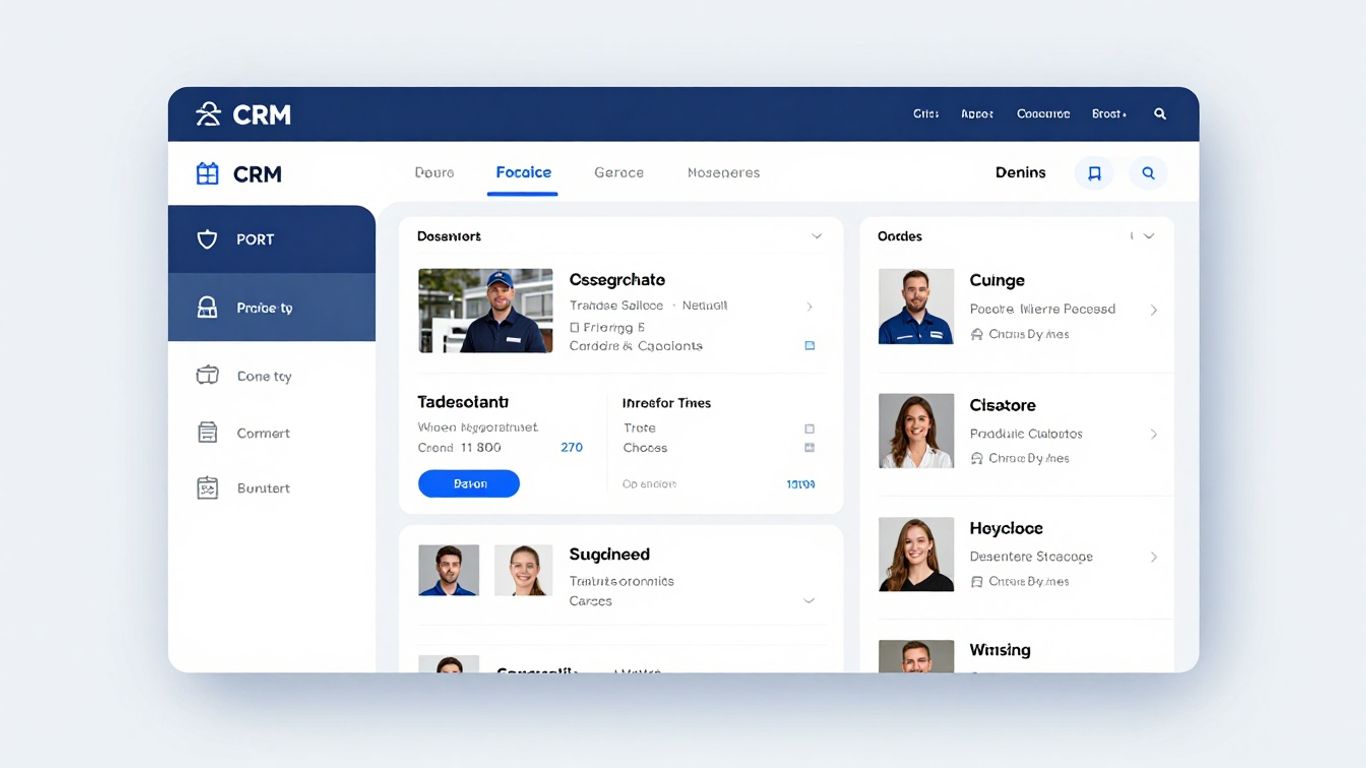
Mira is a CMMS software that’s been put together with Australian tradies in mind. It’s pretty straightforward, aiming to make quoting, scheduling, and keeping tabs on your assets a bit less of a headache.
The system focuses on a streamlined user experience, which is a big plus when you’re trying to manage all the moving parts of your jobs. It helps you keep track of things like job progress and client details without too much fuss.
Mira offers a few key features that tradies often look for:
- Quoting: Generate quotes quickly, often from templates, so you can get them out to clients faster.
- Scheduling: Plan your jobs and allocate them to your team members, keeping an eye on availability.
- Asset Tracking: Keep a record of your equipment, when it was last serviced, and where it is.
- Job Management: Track jobs from start to finish, logging time and materials.
It’s designed to be pretty intuitive, meaning you shouldn’t need a whole lot of training to get it up and running. This is great because, let’s be honest, who has the time for lengthy onboarding processes? You want something that works for you, not the other way around. If you’re looking for a solid system to help organise your business operations, Mira is definitely worth a look. It’s good to see software specifically built for the Australian market, understanding the local needs and regulations. You can find out more about their CMMS software on their website.
9. NextMinute
NextMinute is a solid choice, especially if you’re running a smaller operation or focus on project-based work. It doesn’t try to be everything to everyone, which is actually a good thing for tradies who just want their job management sorted without a heap of complicated features they’ll never use. It handles the basics really well: job management, keeping track of time, and getting quotes and invoices out the door. Plus, it plays nicely with Xero and MYOB, which is a big win for keeping your books tidy.
The mobile app is a real standout, making it easier for your team on the ground to see what’s happening and update job details. It syncs up with the office pretty smoothly, so everyone’s on the same page.
Here’s a quick look at how it stacks up in a few key areas:
- Time Tracking: 9.8
- Employee Scheduling: 9.8
- Team Communication: 9.7
- Mobile App: 9.8
- Customer Support: 9.9
It’s designed to be straightforward, which means less time fiddling with software and more time on the tools. If you’re looking for a system that’s easy to get started with and genuinely helps manage your day-to-day jobs, NextMinute is definitely worth a look. You can find out more about their job management software if you’re keen.
Setting up NextMinute is generally pretty painless. The team focuses on making sure you can get going quickly, which is exactly what you need when you’re busy running a business. They’ve put effort into making the new mobile app faster and simpler for your crew.
10. Tradie Hub
Tradie Hub is a bit of a different beast compared to some of the other options we’ve looked at. It’s built with AI and automation at its core, aiming to do more than just manage your jobs. Think of it as a system that helps you actually grow your business by looking after your leads and keeping your clients happy.
This platform is designed to boost your sales and automate marketing efforts, which is a pretty big deal for tradies who are often swamped with the actual work. It’s not just about scheduling or invoicing; it’s about making sure you’re not missing opportunities and that your communication with customers is top-notch. They reckon it offers a lot more than your standard job management software, and that’s definitely something to consider if you’re looking to get ahead.
Here’s a quick rundown of what Tradie Hub brings to the table:
- Lead Management: Keeps track of all your potential customers so nothing slips through the cracks.
- Client Nurturing: Helps you stay in touch with past and present clients, encouraging repeat business.
- Streamlined Operations: Aims to make your day-to-day running of the business smoother.
- AI-Powered Features: Uses smart tech to automate tasks and improve communication.
While pure CRM systems can sometimes mean you need separate tools for scheduling, quoting, and invoicing, which can add to your admin load, Tradie Hub tries to bring a lot of that together. The idea is to reduce that double handling of information that we all hate.
If you’re keen on using AI to get more out of your business and want a system that focuses heavily on the customer relationship side of things, Tradie Hub is worth a look. They offer a pay-as-you-go model for things like SMS and email usage, so you’re not necessarily locked into big upfront costs. It’s a good option for tradies wanting advanced CRM with AI automation.
Wrapping It Up: Finding Your Trade’s Best Mate
So, after looking at all these options, it’s pretty clear that for most Aussie tradies, a full-blown, fancy CRM isn’t usually the go. What you really need is something that handles the day-to-day grind – the scheduling, the quoting, the invoicing, and keeping tabs on your customers. For many, systems like ServiceM8 or Tradify are going to be your best bet. They’re built for the tools, not just the spreadsheets. Think about your business size, though. If you’re flying solo or have a small crew, ServiceM8’s straightforward approach might be perfect. If you’re growing and need to nail those quotes, Tradify could be the winner. Bigger outfits might need to look at something like HubSpot or Tradie Hub, but remember, that often means using it alongside your main job management software. The most important thing? Pick a system your team will actually use. If it’s too complicated, it’ll just sit there. Choose something easy to get the hang of, fits with how you already work, and you’ll find yourself with more time for the actual work and less time wrestling with paperwork. That’s a win in our books.
Frequently Asked Questions
What’s the main difference between job management software and a regular CRM for Aussie tradies?
Most Aussie tradies need job management software. It’s like a CRM but also helps with scheduling jobs, sending quotes, and making invoices. Regular CRMs are more for businesses that sell things over a long time and have lots of meetings, which isn’t usually how tradies work.
Do I really need a CRM if I’m a solo tradie?
Even if you’re on your own, a good system can save you heaps of time. Simple options like ServiceM8 are great for keeping track of customers and jobs without being too complicated. It means less paperwork and more time for actual work.
Which CRM is best for a growing tradie business with a few employees?
For businesses that are growing, Tradify or Fergus are often good choices. Tradify is known for its strong quoting tools, while Fergus focuses on making sure your team’s work flows smoothly. They help manage jobs from start to finish.
Can these systems help me get paid faster?
Definitely! Most of these tools let you create and send invoices really quickly. Many also connect with accounting software like Xero, and some even have features to help you chase up payments, so you don’t have to spend ages doing it yourself.
What if my business is quite big, like 20+ people?
If you’ve got a larger team and dedicated sales staff, you might look at more powerful CRMs like HubSpot or simPRO. These can handle more complex sales processes and marketing, but you might still need separate job management tools for the field.
How important is it that the CRM works on my phone?
It’s super important! Most tradies are out on the tools all day. You need a system that lets you manage jobs, send quotes, and check schedules right from your phone or tablet. If your team can’t easily use it on the go, it won’t be much help.